 Nails Keyboard
Acrylic nails
Typing on your iPhone with acrylic nails
A fresh set of acrylics looks perfect and types terribly, at least for the first days. The nails are doing what they should. The keyboard just hasn't been told about them.
What acrylics change
- Nothing gives. Acrylic is rigid, so the nail can't bend out of the way. Your finger has to come in flatter, and the pad lands lower on the glass.
- The tip is thick. It hides more of the key you are pressing than a natural nail would.
- The length arrives in one afternoon. Natural nails give your aim months to adapt. A full set gives it none.
The screen itself can't feel acrylic at all. Only your skin counts as a touch, which is why pressing with the tip does nothing.
Habits that help
- Type with the pads or the sides of your thumbs, never the tips. It is also easier on the set.
- Hold the phone lower so your thumbs lie flatter.
- Swipe long words and dictate long messages while you get used to the length.
- Expect a small change after a fill. The length and the balance of the nail shift a little each time.
Fit the keyboard to the set
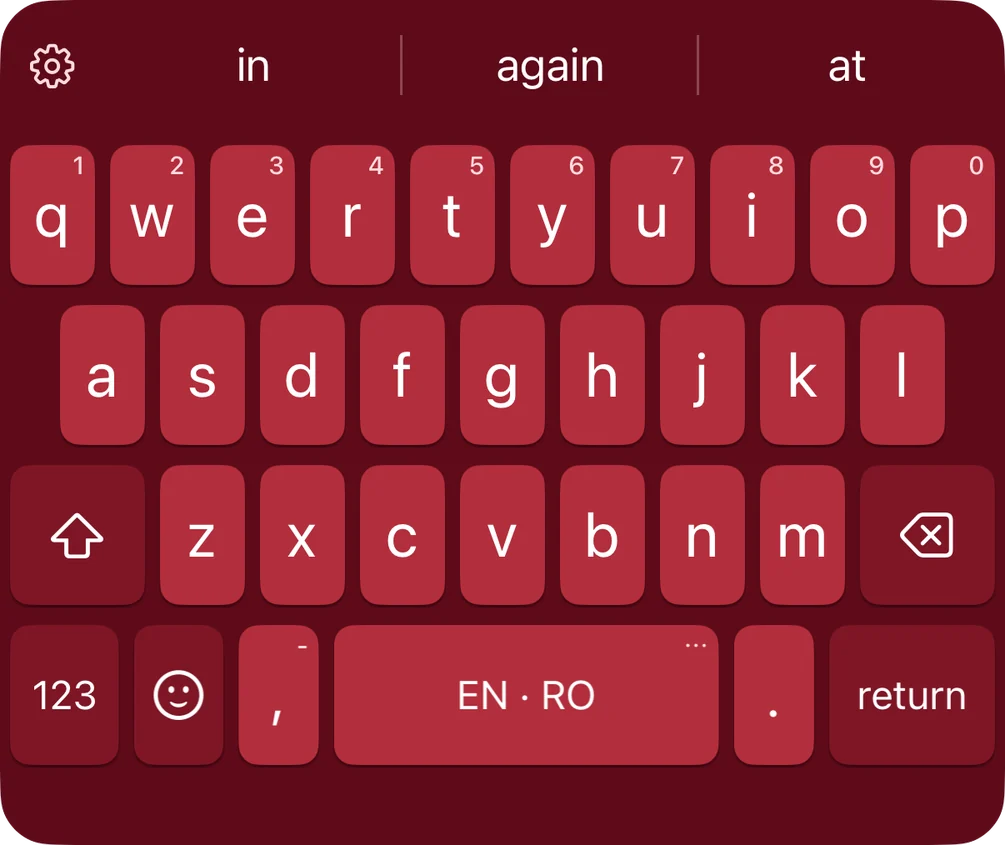
Nails Keyboard moves every tap back up before it picks a key. Tell it your length (Short, Medium, Long or Very long) and it starts from there. Its autocorrect is weighted toward the slips long nails make, such as the key below the one you wanted.
With Pro, a one-minute game measures where your taps land with this set, row by row. Tap “New nails” after each new set, or “Fine-tune” for a small adjustment on the same one.