 Nails Keyboard
After the appointment
New set, new typos: typing after a nail appointment
You leave the salon with a different length, maybe a different shape, and by the evening your texts are full of mistakes. Your thumbs are still typing for the old set.
Why a new set resets your typing
Your aim is learned for one length. Change the length and the pad of your finger meets the glass somewhere else: lower if you went longer, higher if you went shorter. Until your thumbs have relearned it, every tap is off by the difference.
A change of shape does less, but it changes what you can see. A wide tip hides more of the key than a tapered one.
The first two days
- Slow down and read before you send. The miss is regular, and you will feel where it is.
- Swipe long words and dictate long messages.
- If you went much longer than before, hold the phone lower in your hands.
Tell the keyboard too
Your thumbs need a few days. The keyboard needs a minute.
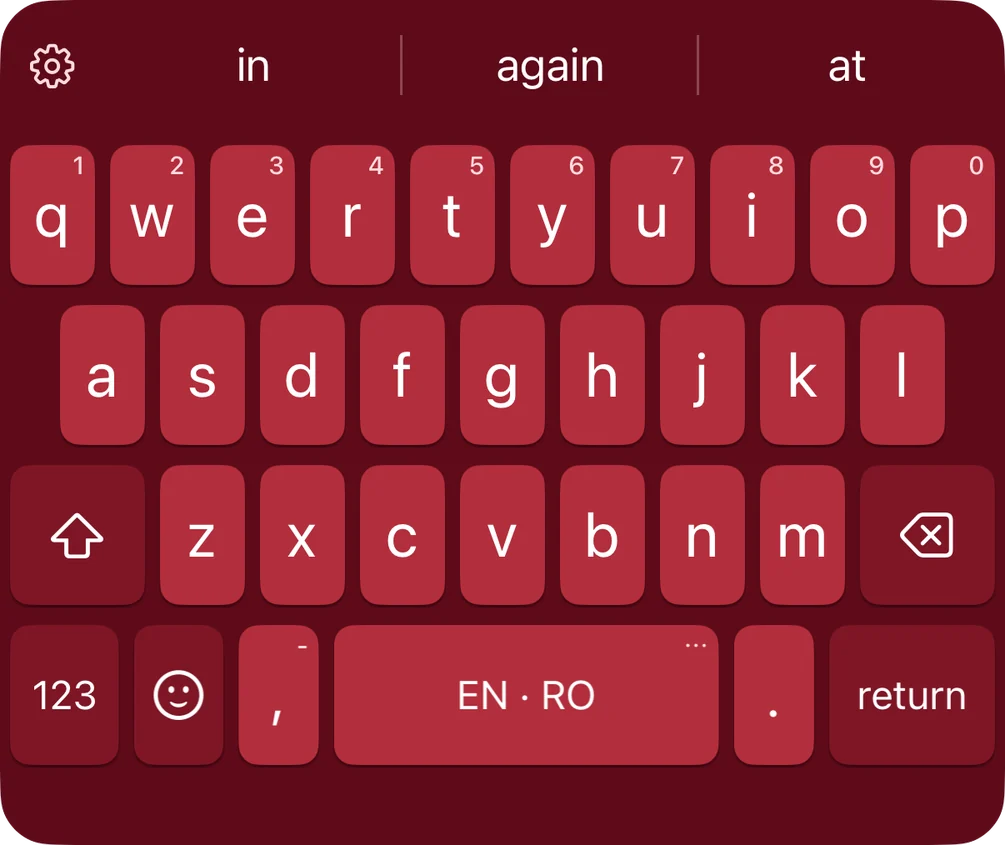
- Free: tap the gear on the keyboard and pick the new length under Nails: Short, Medium, Long or Very long. It takes two taps and you don't leave your message.
- With Pro: open the app and tap “New nails”. A one-minute game measures the new set and has the keyboard start fresh, so the old set doesn't hold the new one back.
- After a fill or a small change: tap “Fine-tune” instead (part of Pro).