 Nails Keyboard
Coffin and square nails
Typing with coffin and square nails
Coffin, ballerina, square: the shapes with a flat, wide tip. They are sturdier to type with than a point, and they cover more of the keyboard while you do it.
What a wide tip changes
The flat edge of a coffin or square nail is often wider than a key on an iPhone. It hides the letter you are pressing and the ones on either side. Under it, the pad of your finger comes down lower than you aimed, as with any long nail, because the screen feels skin and not nail.
So you are pressing a key you can't see, slightly below where you think you are.
What helps
- Watch the words, not the keys. You can't see the key anyway. Read what is being typed and what the suggestion bar offers.
- Lower the phone in your hands. Flatter thumbs keep the wide edge from reaching the glass first.
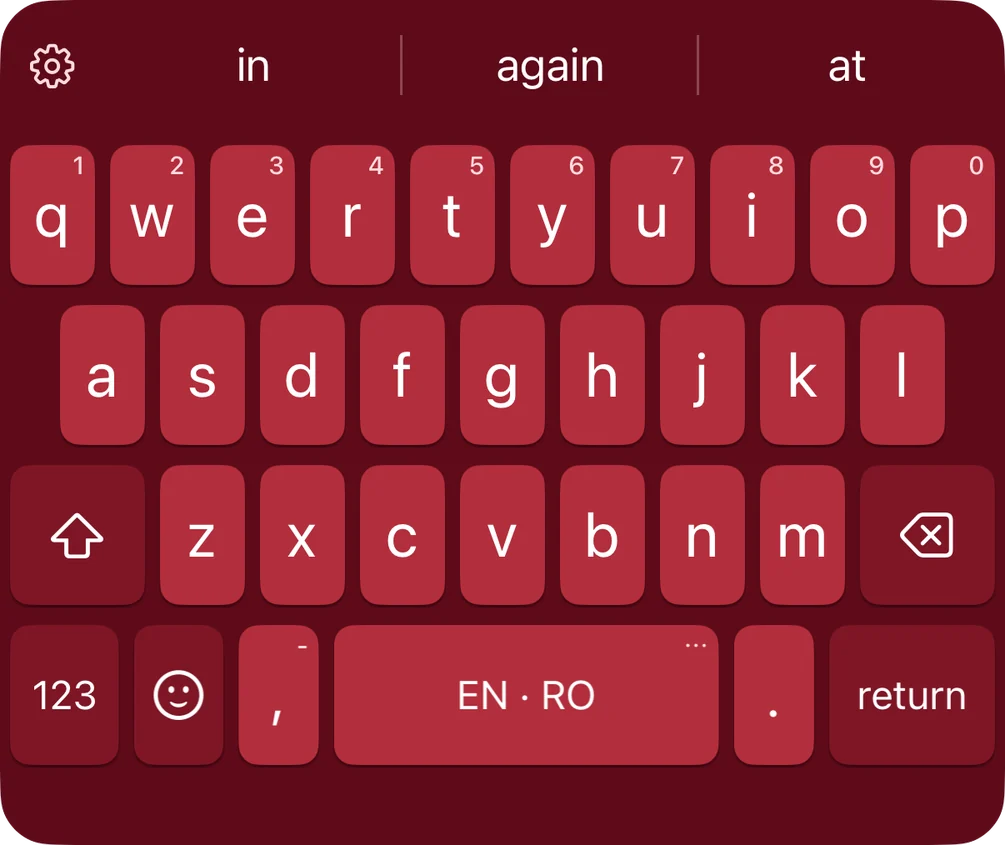
- Give the keys more height. Taller keys leave more of each letter showing above the nail.
How Nails Keyboard helps
The key you pressed pops up in a preview, clear of your nail, so you see the letter even when the tip covers the key. The suggestion bar shows what the space bar is about to do, with your own word in quotes if you want to keep it.
Underneath, every tap is moved back up by your nail length before a key is chosen, and autocorrect expects the slips that wide, long nails make. To make the keys taller, tap the gear on the keyboard and use + beside Key height.