 Nails Keyboard
Stiletto nails
Typing with stiletto nails
A stiletto ends in a point, and a point looks like the perfect thing to type with. It is the one part of your hand the screen ignores.
Why the point doesn't work
An iPhone screen senses skin. A nail, pointed or not, is invisible to it. So with stilettos you end up typing with the pad of the finger, a long way behind the point, or with the side of the thumb. Either way the touch lands lower than you were aiming, and you can't see the key because the point is in front of it.
What helps
- Use the side of your thumb. Roll the thumb outward a little and let its edge do the typing.
- Flatten your hands. The lower the phone sits in your hands, the flatter the thumbs lie and the less the point gets in the way.
- Swipe with the pad. A slide across the letters keeps the nail off the glass for the whole word.
- For very long sets, a knuckle works. It is slow, but it is accurate, and it is a fair fallback for a password or a code.
A keyboard that doesn't need the point
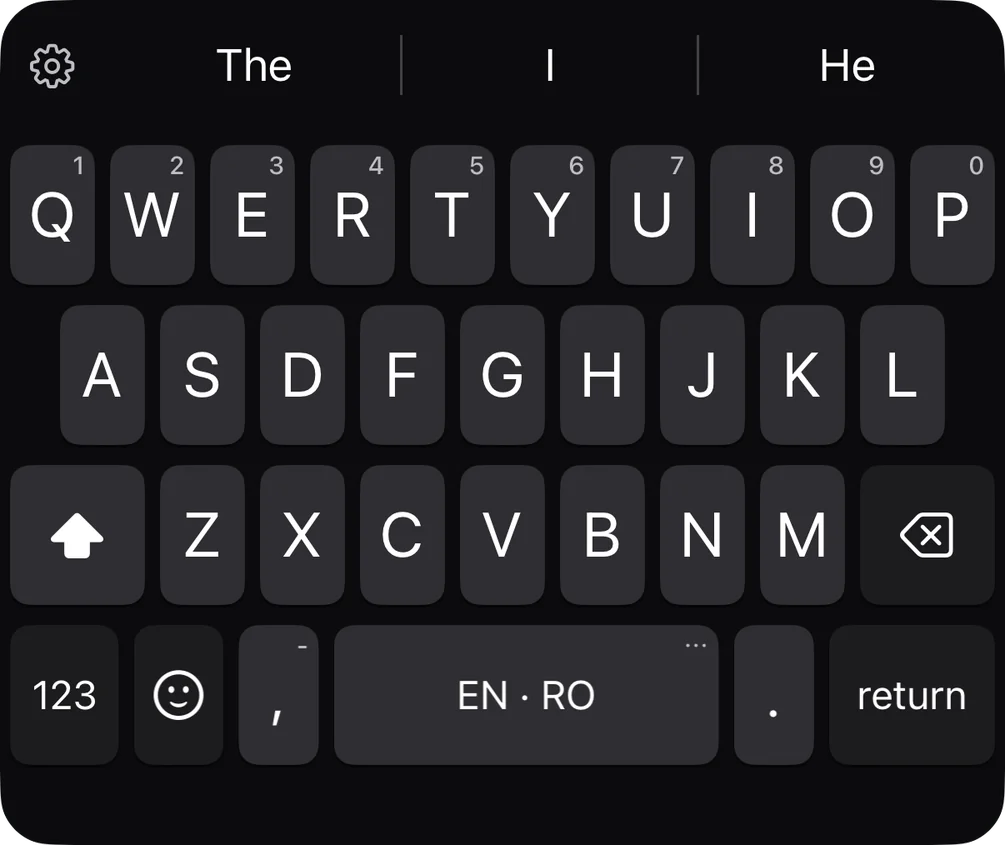
Nails Keyboard assumes you are pressing with the pad and moves every tap back up before it picks a key. Stilettos are usually worn long: choose Long or Very long and it starts from there. The key you pressed pops up clear of your nail, so you can see it over the point.
The measuring game (part of Pro) doesn't assume anything about shape. It records where your own taps land, one row at a time, and shifts by what it found.