 Nails Keyboard
The short guide
How to type with long nails on an iPhone
Long nails don't make you a worse typist. They change where your finger meets the glass, and the keyboard doesn't know. Here is what is going on, and what helps.
Why it gets hard
A touchscreen responds to skin, not to nail. With length on, the tip of the nail arrives first and nothing happens, so you tilt the finger and press with the pad instead. The pad meets the glass lower than the spot you were aiming at.
- The touch lands low. You aim at a letter and get the key underneath it, or the space bar.
- The nail hides the key. You can't see what you are pressing until it is typed.
- You can't feel the press. A nail takes away the small confirmation a fingertip gives.
None of this is carelessness. It is the same small miss, in the same direction, again and again. That is also why it can be fixed.
Seven habits that help, on any keyboard
- Use the pad, not the tip. Tapping with the nail itself does nothing on a touchscreen, and it is kinder to the set.
- Try the side of your thumb. Many people with long sets roll the thumb a little and type with its outer edge.
- Hold the phone lower in your hands. Thumbs lie flatter and reach the top row without the nail getting there first.
- Aim a little high. Touches land low, so aim at the top half of each key. (With a keyboard that corrects for nails, stop doing this: aim normally and let it do the shifting.)
- Swipe the long words. Sliding across the letters takes one touch per word instead of one per letter.
- Dictate the long messages. For a whole paragraph, your voice is faster than any thumbs.
- Give a new set a few days. Most of the adjustment is your aim catching up with the new length.
What a keyboard can do about it
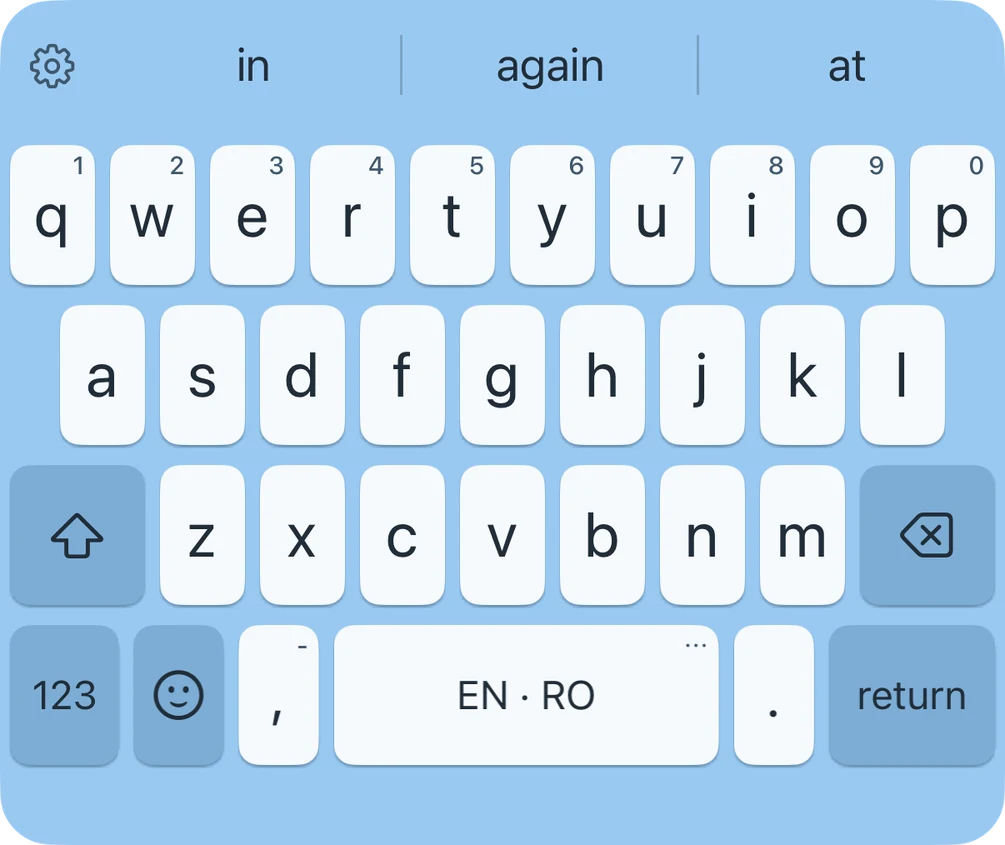
Because the miss is consistent, a keyboard can undo it. Nails Keyboard is an iPhone keyboard built for exactly that.
- It shifts every tap back up before it picks a key. Tell it your nail length (Short, Medium, Long or Very long), or play a one-minute game that measures where your own taps land, row by row (part of Pro).
- Its autocorrect expects nail slips. The key below is likely, the key above is not, and a letter that fell onto the space bar is put back.
- You see what you pressed. A key preview pops up clear of your nail.
- It asks for fewer precise taps. Swipe typing forgives sloppy paths, and sliding along the space bar moves the cursor.
thi k think
The keyboard is free, with no time limit and no account. Pro adds the measuring game, learning as you type, “New nails” and every theme, with a 7-day free trial. Nothing you type leaves your phone: the keyboard has no networking code.