 Nails Keyboard
Swipe typing
Swipe typing with long nails
Swiping asks for one touch per word instead of one per letter. With long nails that is a good trade.
Why swiping suits long nails
Every tap is a fresh chance to miss: lift, aim past the nail, come down again. A swipe has one touchdown. The pad of your finger stays on the glass for the whole word, and you never have to hit a single key exactly.
How to swipe with nails on
- Use the pad or the side of your thumb. The pad has to stay on the glass for the whole word. If the nail lifts it off, the swipe ends there.
- Keep the finger flat and the slide loose. You are drawing the rough shape of the word, not touching each letter.
- Don't stop to look. You can't see the letters under your nail anyway. Finish the word and read what came out.
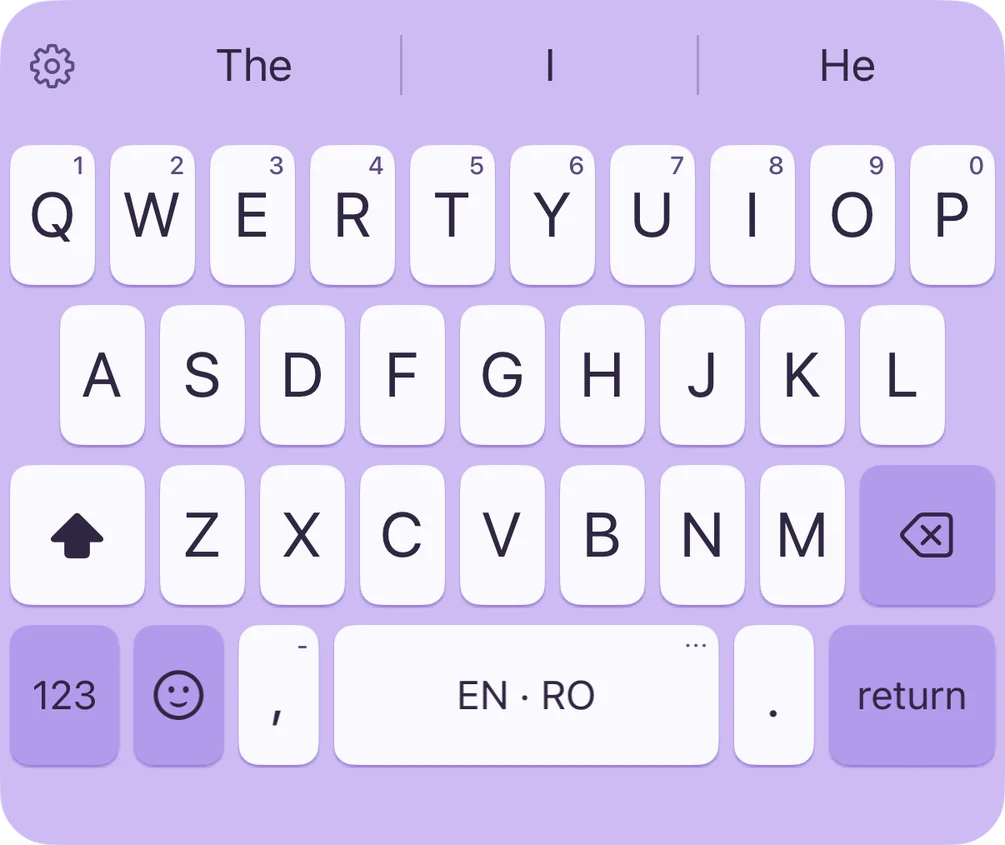
- Check the bar. If the word is wrong, the other readings are above the keys, one tap away.
Where it goes wrong
Short words are the weak spot: “on” and “in” are nearly the same swipe. Names and unusual words are easier tapped. Most people end up mixing: swipe the long words, tap the short ones.
Swiping on Nails Keyboard
Slide across the letters of a word and lift. The word is written, with other readings in the bar above the keys. The swipe reader forgives sloppy paths, which is what a path drawn by a flat thumb looks like. Tapping and swiping work side by side, with nothing to switch.
Swiping works in each language the keyboard types. If you would rather not swipe at all, tap the gear and tap Swipe to turn it off.