 Nails Keyboard
The keyboard
An iPhone keyboard made for long nails
If you went looking for a keyboard that suits long nails, this is what matters in one, and how Nails Keyboard handles each part.
What a keyboard for nails has to do
Know where your taps land
Bigger keys alone are not the answer: the touch still lands low. Nails Keyboard moves every tap back up before it picks a key. Free, you tell it your nail length: Short, Medium, Long or Very long. With Pro, a one-minute game measures where your own taps land and gives each row its own shift, because the miss grows toward the bottom of the keyboard.
Expect the typos nails make
Corrections are weighted by how nail taps really go wrong: onto the key below is likely, upward is not. A letter that slipped onto the space bar is put back.
thi k think
Show you what you pressed
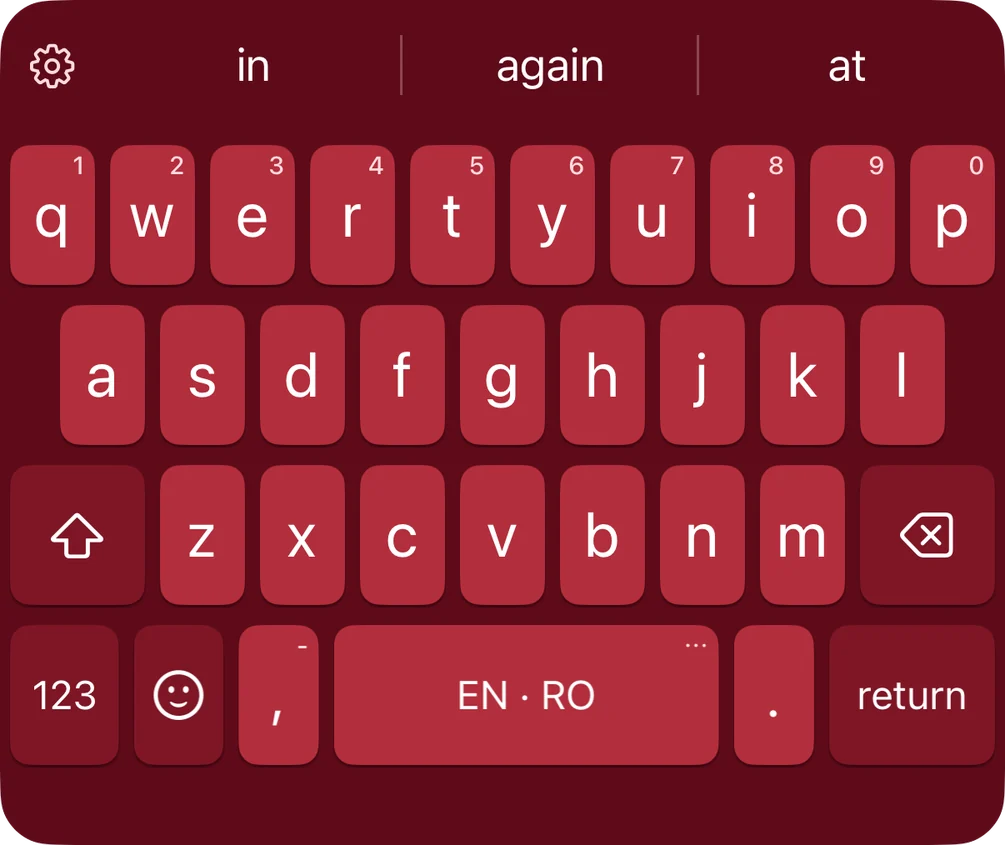
A key preview pops up clear of your nail, with a strong press highlight. Haptics and key clicks are there if you allow Full Access.
Ask for fewer precise taps
Swipe typing that forgives sloppy paths. Slide along the space bar to move the cursor instead of tapping into the text. Hold delete to remove letters, then whole words.
Let you make the keys taller
Tap the gear on the keyboard and use − and + beside Key height. Each nail length also comes with a height of its own.
Keep up with your nails
Nails grow, break and get redone. With Pro the keyboard keeps learning as you type, mostly from the taps you go back and fix, and “New nails” measures again for every new set.
What it costs
The keyboard is free, with no time limit and no account. Pro adds the measuring game, learning as you type, “New nails” and every theme, with a 7-day free trial. Pro is a yearly subscription or a one-time purchase, bought in the app; the App Store shows the price in your currency before anything is charged.
What it leaves alone
Nothing you type leaves your phone. The keyboard contains no networking code, there are no accounts, ads or analytics, and it works without Full Access. Chat words like btw and omw and your contacts' names aren't “corrected”.
It is for iPhone only for now, on iOS 16 or later. Password fields always use Apple's keyboard; that is iOS's rule for every added keyboard.