 Nails Keyboard
Key size
Bigger keys for long nails on iPhone
The first thing most people want with long nails is bigger keys. They help. They are also only half of the fix.
What taller keys do
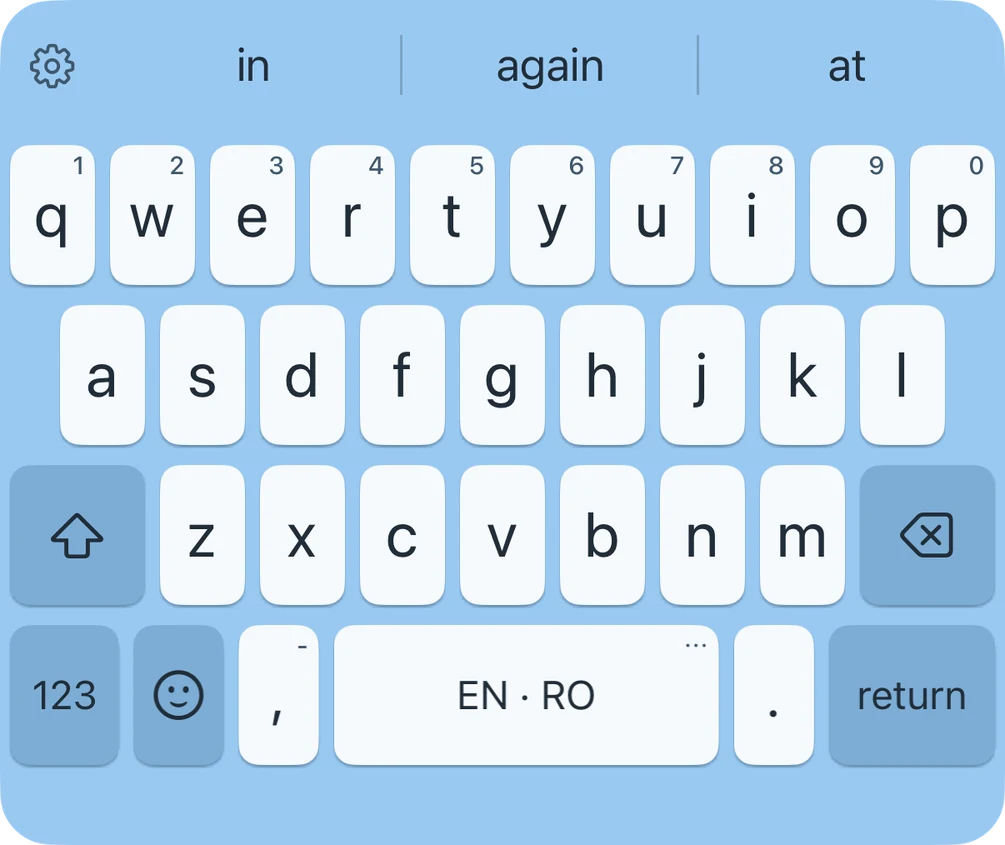
Nails miss downward, so height is the direction that counts. A taller key leaves more room between where you aim and the row below, and more of each letter shows above your nail.
What they don't do
They don't change where your finger lands. A touch that comes down low on a tall key is still close to the key underneath. That is why a nail keyboard needs the other half too: moving each tap back up by your nail length before a key is chosen.
Making the keys taller on Nails Keyboard
Tap the gear at the left of the suggestion bar and use − and + beside Key height. It changes there and then, without leaving the message you are writing. Each nail length also comes with a height of its own, so choosing Long or Very long already gives you taller keys.
Taller keys take more of the screen. Pick the height where you stop missing, not the tallest one.
Other ways to get bigger targets
- Turn the phone sideways. Every key gets wider in landscape.
- Display Zoom. In Settings → Display & Brightness → Display Zoom, choose Larger Text. Everything on the phone is drawn bigger, keyboards included.
- Swipe. A swipe doesn't need to hit any single key exactly.