 Nails Keyboard
Autocorrect
Autocorrect that understands long nails
With long nails your typos aren't random. They lean one way: down. Nails Keyboard's autocorrect is built on that.
The typos long nails make
The pad of your finger meets the glass lower than you aim, so the mistakes have a pattern:
- The key below. You wanted A and got Z; you wanted I and got J or K.
- A space in the middle of a word. A letter on the bottom row lands on the space bar and the word comes out in two pieces.
- Another real word. One key down sometimes spells something else, and nothing looks misspelt.
thi k thinkI zm I amrain jn Spain rain in Spain
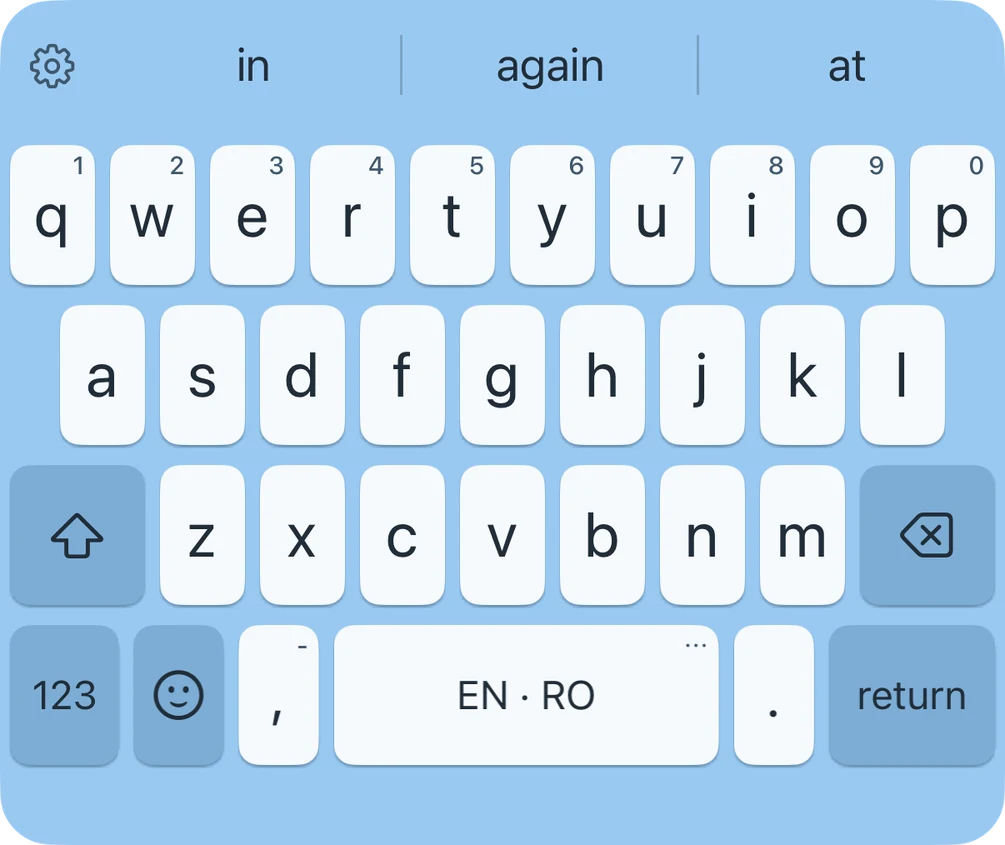
How it reads a nail typo
- By direction. A slip onto the key below is likely; a slip upward is not. Corrections are weighted that way.
- By where the tap landed. A tap near the edge of a key counts as less certain than one in the middle of it.
- By the sentence. A slip that happens to spell another word (“gas” where “has” was meant) is judged by the words around it.
- By putting split words back. When a letter fell onto the space bar, the two halves are joined again.
You stay in charge
The suggestion bar highlights what the space bar is about to do and shows your own word in quotes, so you can keep it with one tap. Backspace straight after a correction undoes it. Choose how readily it corrects: Careful, Standard or Bold.
Chat words like btw, idk and omw and your contacts' names aren't “corrected”. Add your own words to a personal dictionary, and see or remove the ones the keyboard has learned from you.