 Nails Keyboard
For nail techs
For nail techs: the question after every long set
“How am I supposed to text with these?” You hear it at the desk every week. Here is an answer that takes a minute and costs your client nothing.
Why clients struggle
It isn't that they are clumsy, and it isn't the set. A phone screen feels skin, not nail, so with length on they press with the pad of the finger, and the pad comes down lower than they aim. They get the key below, or the space bar, and they can't see the key because the nail is over it.
Three things to tell them
- Pads, not tips. The screen can't feel the nail, and typing on the tips is hard on your work.
- Give it a few days. Their aim was learned for the nails they walked in with.
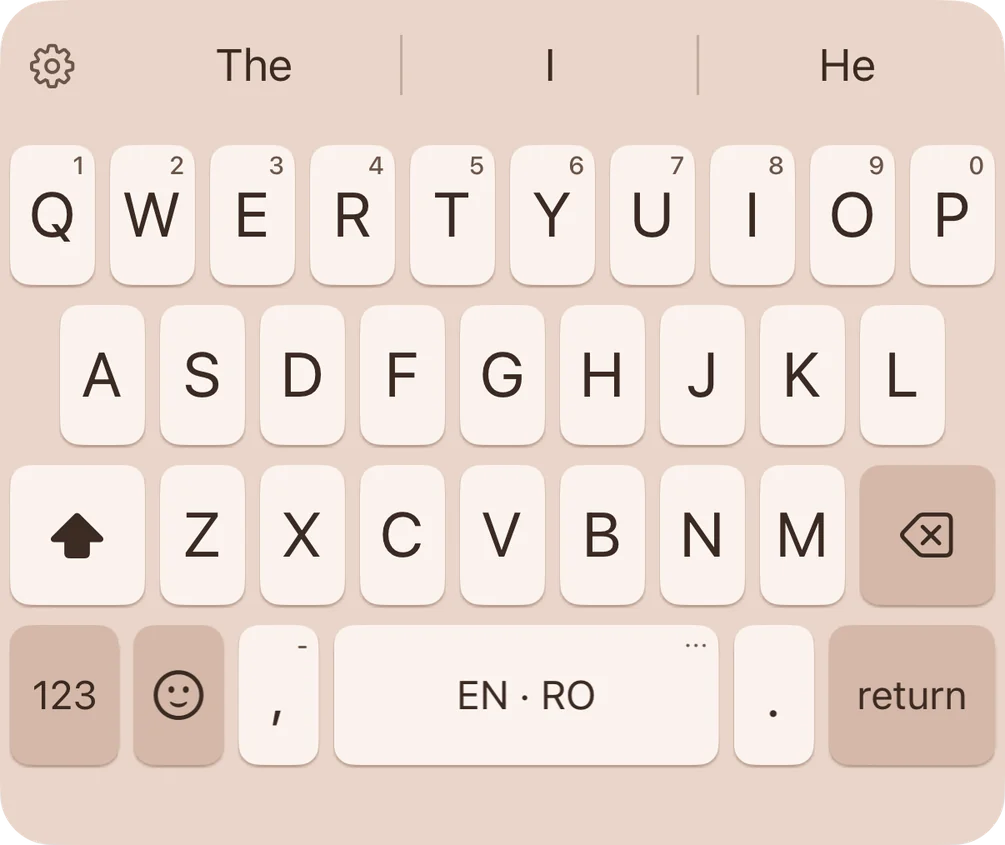
- Use a keyboard made for nails. Nails Keyboard is a free iPhone keyboard that moves every tap back up by the length of the nails.
What they do
They download Nails Keyboard from the App Store, add it in Settings, and choose their nail length: Short, Medium, Long or Very long. The app walks them through it in about a minute.
When they come back for a new length, it is two taps on the keyboard to change it. Typing, autocorrect and swipe are free; Pro adds a measuring game, learning as they type, and themes, including one in the colour of the set you just gave them.
Talk to us
If you recommend the keyboard at your desk, or your clients tell you what works and what doesn't, write to hello@nailskeyboard.com. A person will reply.