 Nails Keyboard
Gel extensions
Typing with gel extensions
Soft gel tips, builder gel, hard gel: lighter than acrylic and just as long. Your phone can't tell the difference, and neither can your typing.
Lighter, but the same geometry
Gel extensions are thinner and a little more flexible than acrylic, so they feel closer to your own nails. For a touchscreen that changes nothing. The screen senses skin, not gel, so you still press with the pad of the finger, and the pad still meets the glass lower than the spot you aimed at. The longer the extension, the lower it lands.
The typos that follow are the usual ones: the key below the one you wanted, and letters on the bottom row turning into spaces.
What helps
- Use the pads or the sides of your thumbs, and hold the phone a little lower.
- Swipe long words; it takes one touch instead of six.
- After an infill or a rebalance, give your thumbs a day. The length has changed again, slightly.
Set the keyboard to the length you chose
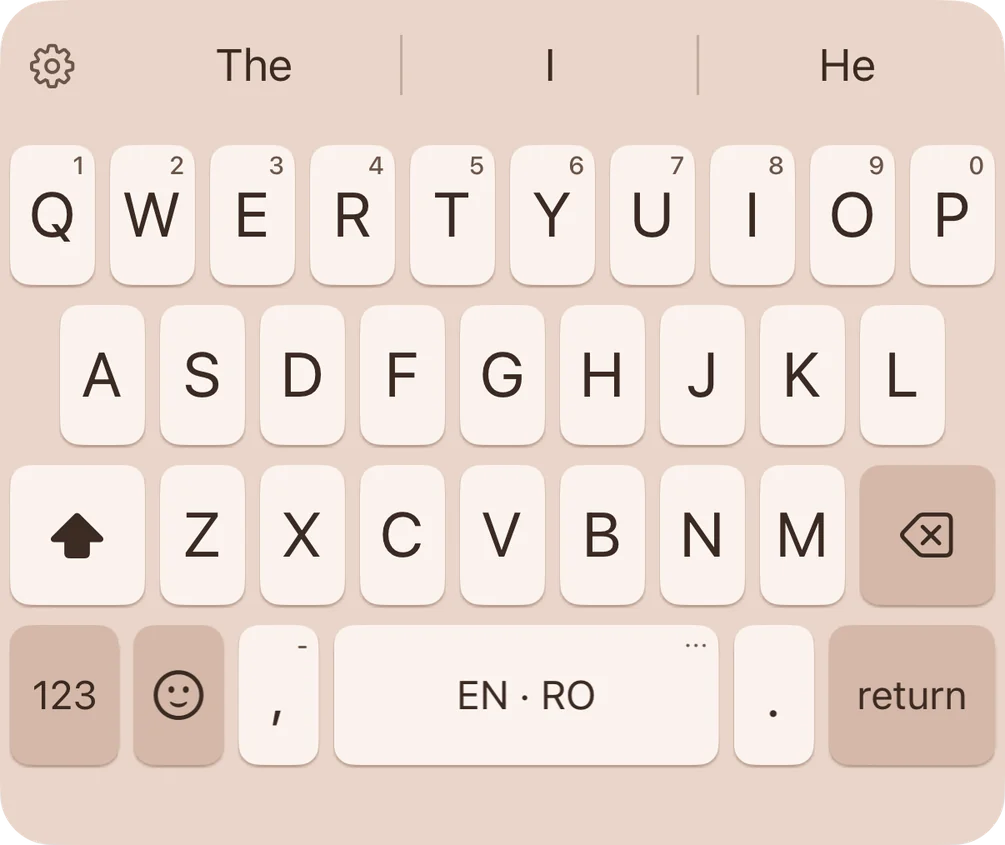
Nails Keyboard goes by how far the nail reaches past your fingertip: Short, Medium, Long or Very long. It moves every tap back up by that much before it picks a key, and its autocorrect expects the slips long nails make.
For a fit to your own hands, the measuring game (part of Pro) takes about a minute: tap the glowing keys the way you always type, and the keyboard records where your taps land.